Simple for them.Peace of mind for you.
SmartSeniors gives aging parents who struggle with ordinary smartphones—including those living with dementia or cognitive decline—a simpler, protected phone experience. A companion caregiver app lets families manage settings remotely, stay connected, and adapt the experience as needs change.
These links are for SmartSeniors for Caregiver. The Senior app is set up separately on a managed device — see How It Works.
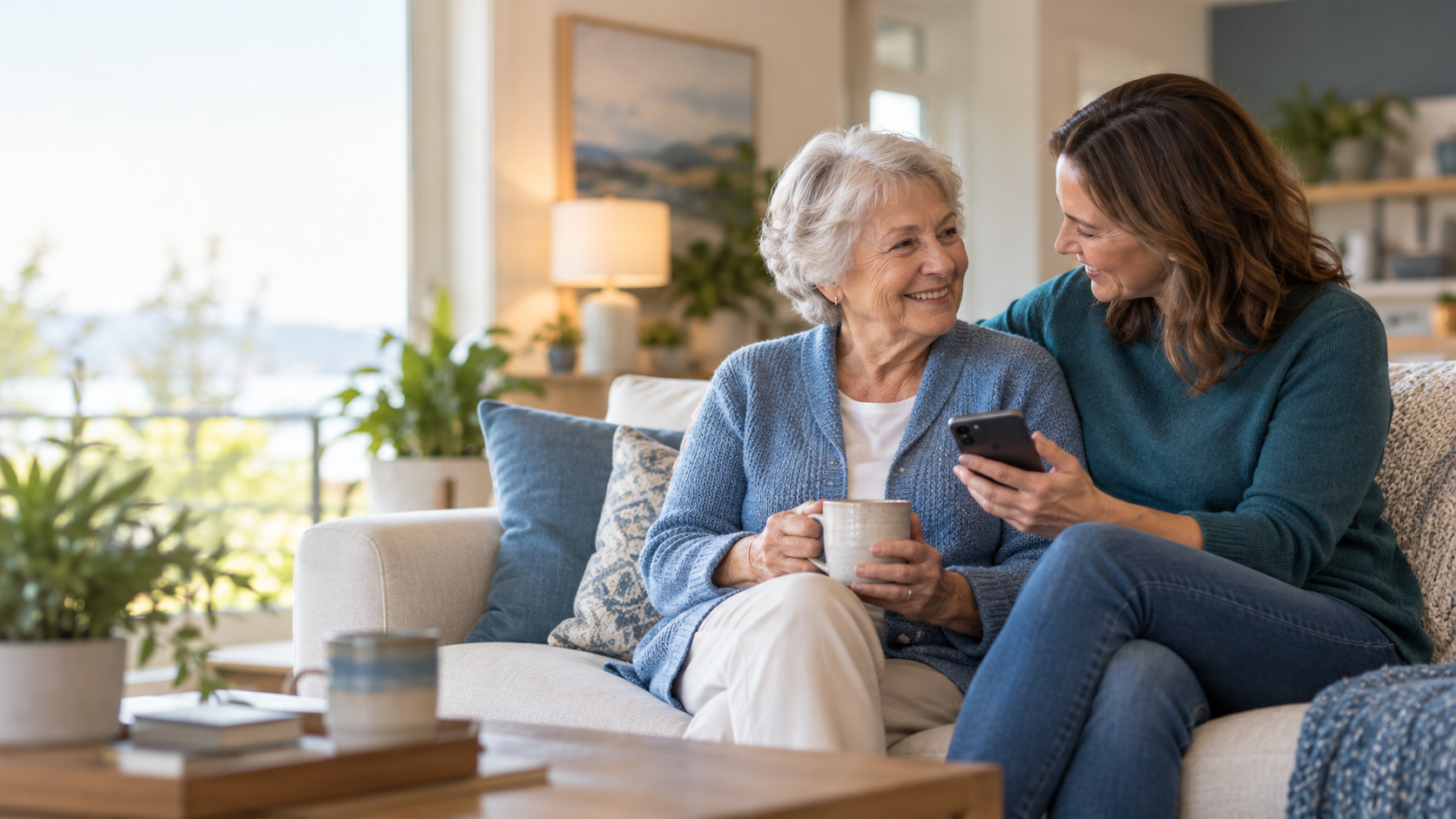
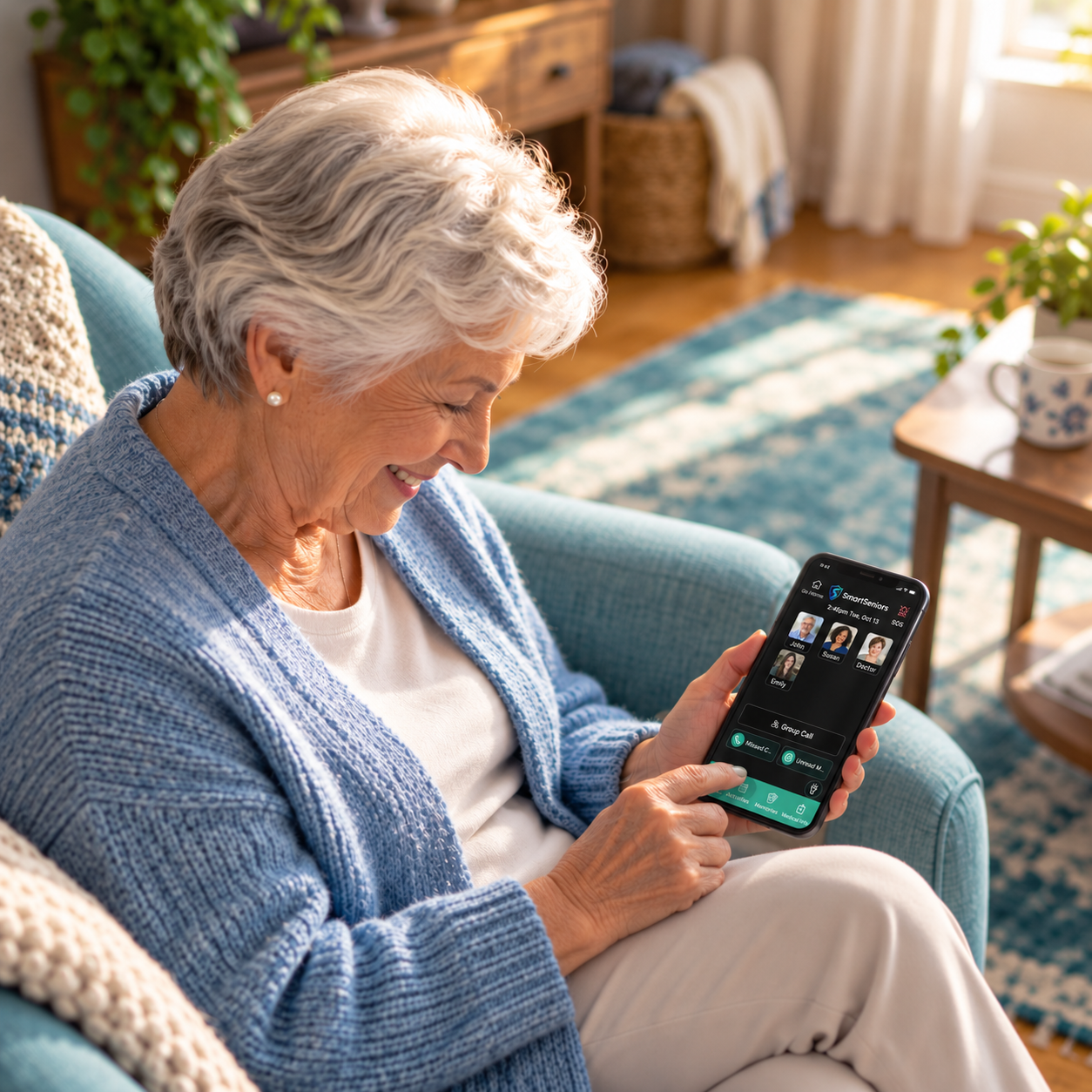
One for them. One for you.
SmartSeniors works as a pair of apps that connect through the same account.
Senior app
Installed on the older adult's phone or tablet. It gives them a simpler, protected SmartSeniors experience.
SmartSeniors for Caregiver
Installed on your own Android phone or iPhone. Use it to adjust SmartSeniors settings and to communicate. It manages SmartSeniors, not the whole phone.
Practical tools to support your parent.
Here is what you can do with SmartSeniors today.
Adjust settings remotely
Change SmartSeniors settings from the caregiver app and update them as needs change.
Location and Places alerts
View supported location information and receive alerts when the older adult enters or leaves a Place.
A simpler phone experience
Simplify the phone experience and adjust the approved apps as needs change.
Calls, video calls and voice messages
Stay in touch with SmartSeniors calls, video calls and voice messages.
Go Home
The Senior app shows a map and gives spoken turn-by-turn directions to the home address your caregiver sets up.
Getting started with SmartSeniors
Setup has three steps. Step 2 erases the older adult's device, so plan it with them first.
Get the Caregiver app
On your own Android or iPhone, download SmartSeniors for Caregiver and create your account.
Prepare the older adult's device
Discuss the setup with the older adult and obtain appropriate agreement or authorization. Back up important information, then factory-reset their phone or tablet.
Provision, pair and protect
Follow the SmartSeniors installation guide to provision the senior device, install and pair the Senior app using the same account, and enable Protected Mode.
The Senior app is set up through this provisioning process. It is not installed on a phone that is already in everyday use.
Ready to get started?
Download SmartSeniors for Caregiver on your Android phone or iPhone to get started.
These links are for SmartSeniors for Caregiver. The Senior app is set up separately on a managed device — see How It Works.